User Batch Association - Approve
Menu location
DATA HARMONIZER » Data Harmonizer Administration » Batches » User Batch Association - Approve
Applicable for roles
- ADMIN_C (ADMIN Checker)
Screen details
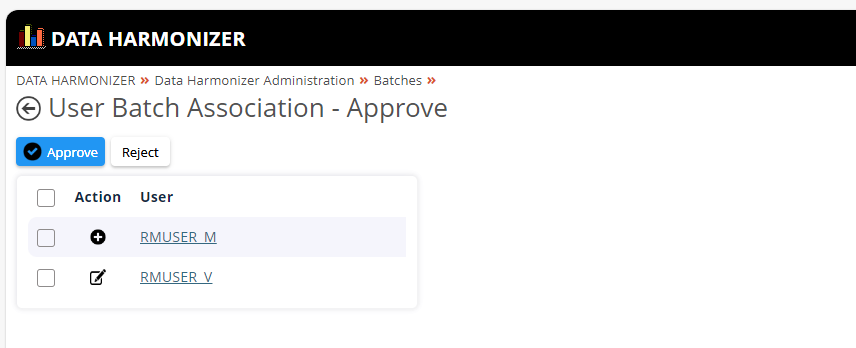
1. Approve Screen:
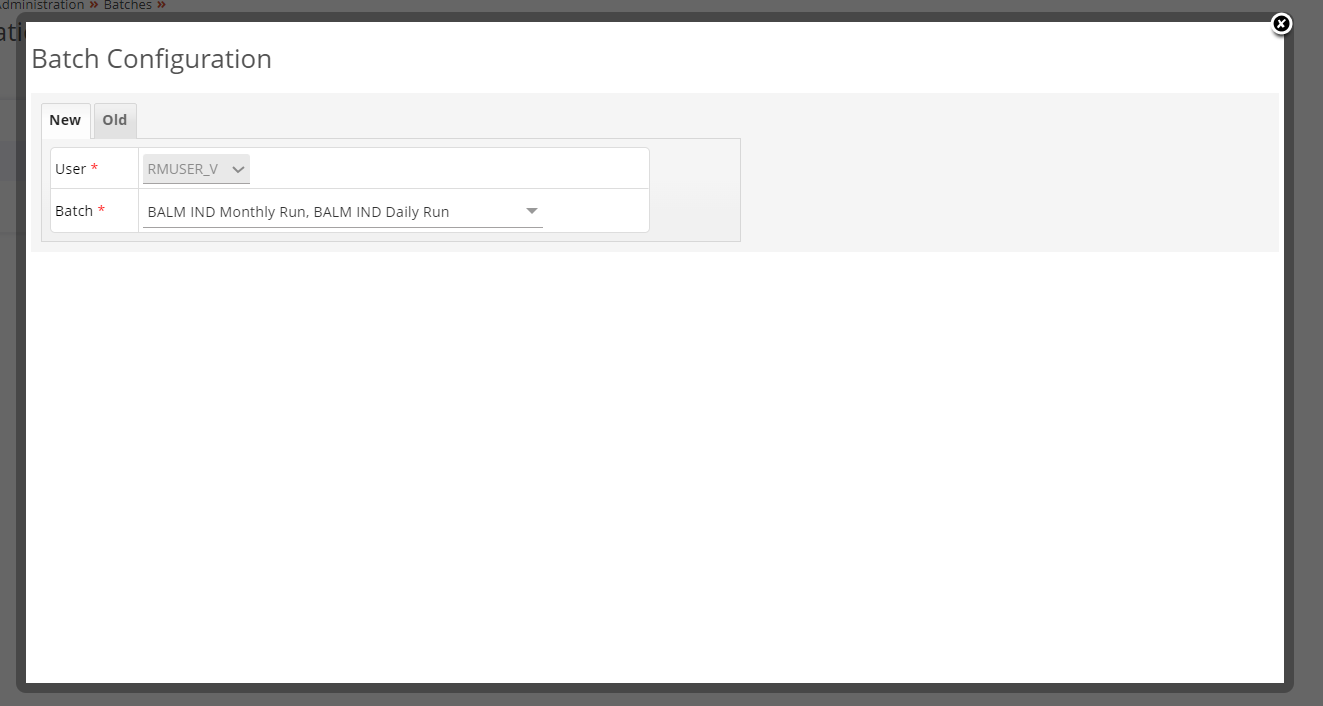
2. Compare Screen:
Dependencies
Some Records should be added, edited or deleted by maker to do checker action.
Explanation
- Selecting record to approve or reject\ i Select record which is to approved by checking check box.\ ii Only one record can be selected or more than one record at time\ iii All records can be selected by checking main check box placed at top.
- Approve by clicking
Approvebutton - Reject by clicking
Rejectbutton - Detailed information about record can be viewed by clicking
User Namelink provided in the grid
Possible errors
Validation errors
No Validaton errors.
Code changes details
There is no change requested till date after development.